Product icons
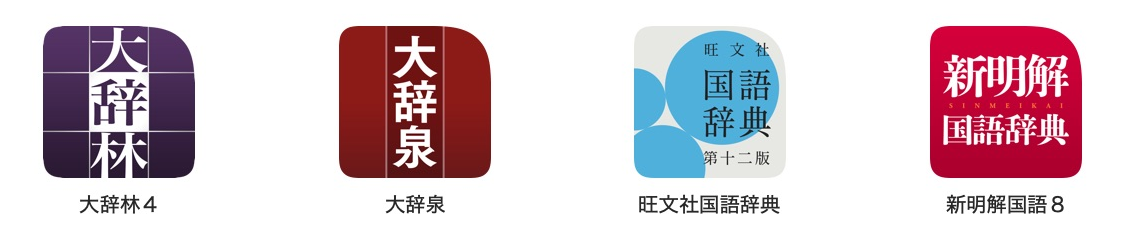
Each icon in the collection opens a dictionary product.
Supply one source image for your product. The app chooses the appropriate scale for each display.
Product icon
product.set_icon(mkd.Buffer.map("icon.png"))
auto icon = MKD::RetainedSpan::map("icon.png").value();
product.setIcon(icon.span()).value();
Supply one square PNG or JPEG, up to 4096 pixels wide. The writer generates all 13 native filename/scale variants. Supply the icon once per product. The input bytes are consumed during the call.
Next: Write article XML.