Read articles and headlines
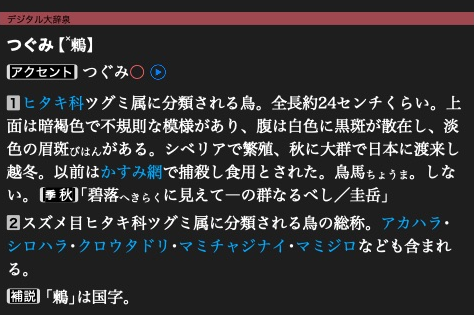
大辞泉’s 鶫 article is an XML document rendered by the app.
These snippets use the open dictionary from Open a dictionary.
Read an article
Read the first stored article, or use a page ID obtained from a search result:
first_id = dictionary.entries.id_at(0)  # No payload read.
text = dictionary.entry_xml(first_id)
auto firstId = dictionary->entries()->idAt(0).value();
auto text = dictionary->entryUtf8ById(firstId).value();
The returned text is an owning string. This example assumes the selected dictionary contains articles.
Walk through articles
if dictionary.entries is not None:
    for page in dictionary.entries:
        page_id = page.id
        xml = page.data.utf8()
for (auto item : dictionary->entryItems()) {
    const auto& page = item.value();
    uint32_t pageId = page.itemId;
    auto xml = page.data.utf8().value();
    // xml borrows page.data. Process it before page leaves scope.
}
Each step reads or decompresses one page. Earlier pages are not kept unless you retain them. Page IDs may have gaps. Storage order can differ from browsing order in the app.
Read a target's headline
target = mkd.EntryId(first_id)
headline = dictionary.headline_for_entry_id(target)
const MKD::EntryId target{firstId, 0};
auto headline = dictionary->headlineForEntryId(target).value();
A target may identify a passage inside an article. Use its page ID to read the whole XML document and retain the full target to locate the passage. Headline text can contain native formatting tokens. See formatted headlines.
For byte views without an extra copy, see buffers and ownership.
Next: Read media and fonts.