Build category navigation
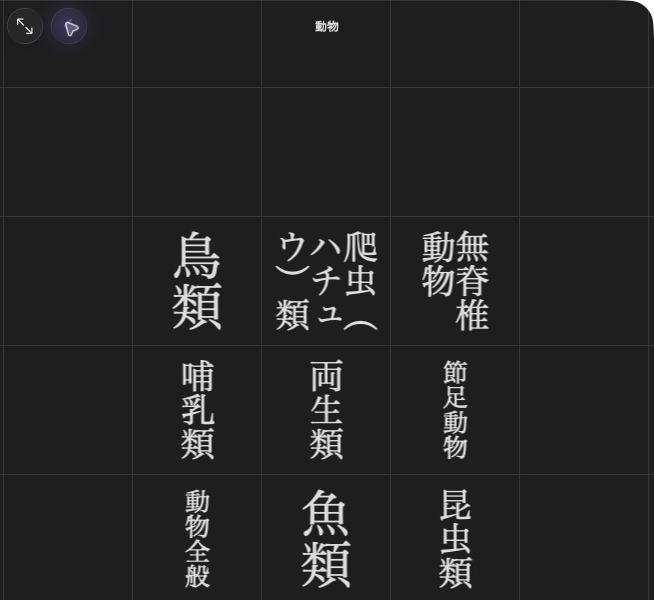
大辞林’s 動物 index opens narrower categories such as 鳥類.
Use the general creation profile and the allocated entry targets from your unfinished dictionary.
Make an entry grid
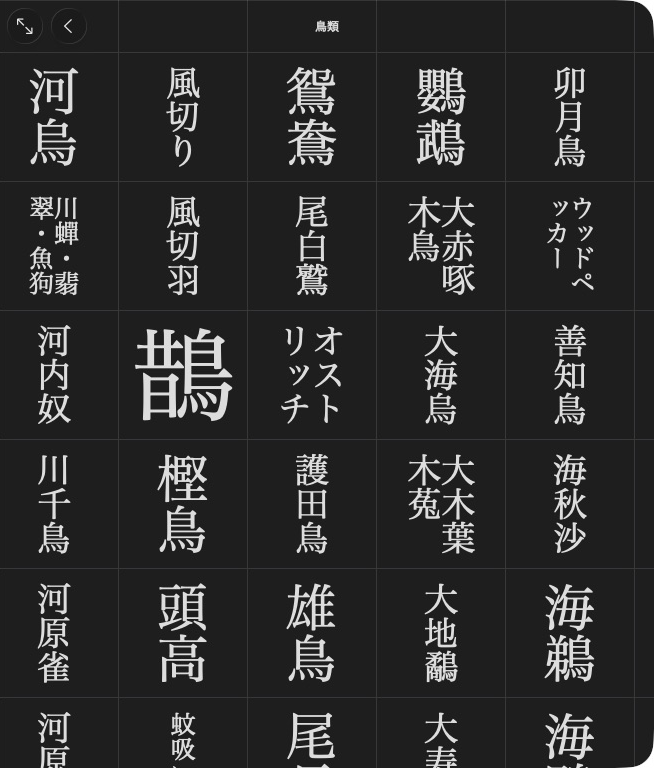
The 鳥類 grid opens individual articles.
birbs = mkd.NavigationIndex(sections=[
    mkd.NavigationSection(items=[
        mkd.NavigationItem(label="鶫", target=tsugumi.target),
        mkd.NavigationItem(label="雀", target=suzume.target),
    ]),
])
product.set_navigation(birbs)
MKD::NavigationIndex birbs{.sections = {{"", {
    {"鶫", MKD::AppendixEntryLink{tsugumi.target(), dictionaryId}},
    {"雀", MKD::AppendixEntryLink{suzume.target(), dictionaryId}},
}}}};
product.setNavigation(birbs).value();
tsugumi and suzume are entries created through create_entry() / createEntry().
Python entry targets default to the product's first dictionary. C++ uses
AppendixEntryLink with its numeric dictionary ID.
Put the grid inside a category
product.set_navigation(mkd.NavigationIndex(sections=[
    mkd.NavigationSection(items=[mkd.NavigationItem(label="鳥類", target=birbs)]),
]))
product.setNavigation({.sections = {{"", {{"鳥類", birbs}}}}}).value();
Each item can open an article, subentry, child index or document. Empty labels use the target headline. An empty target leaves a spacer. An untitled section places its items directly in the grid. A titled section becomes a submenu.
rows and columns set the grid dimensions, with automatic sizing when omitted.
vertical=False / vertical = false selects horizontal child grids.
shorten_headlines / shortenHeadlines selects shorter headlines for entry lists.
Setting navigation changes the app’s 付録 tab to インデックス. Existing appendices remain under 付録 in the generated index. The writer generates the native files.
Next: Build kanwa indexes.