Exporting dictionaries
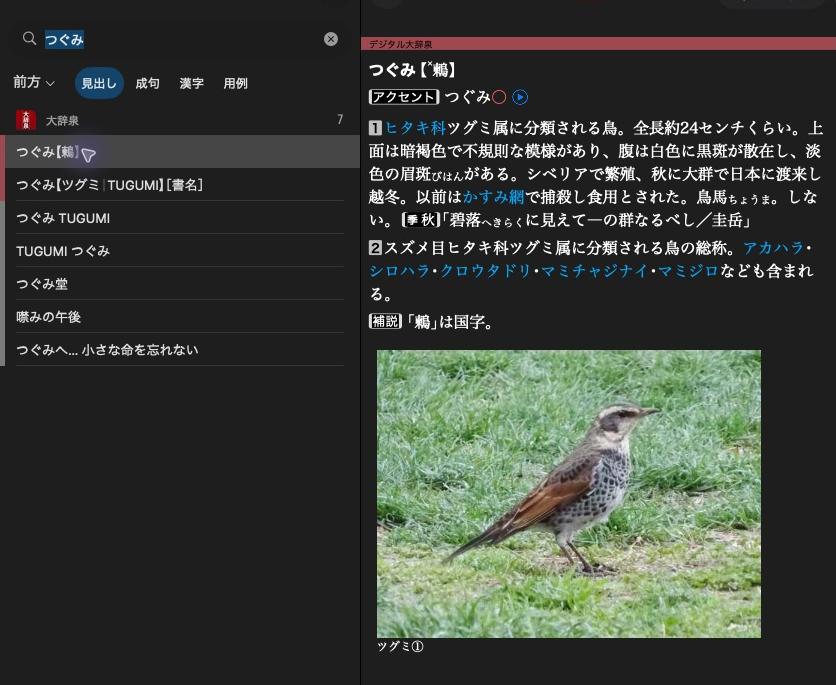
大辞泉 shows a headline in the result list and the selected article beside it.
Export the XML and resources behind these articles to ordinary files.
Use the open dictionary from Open a dictionary.
Export selected resources
options = mkd.ExportOptions(
    resources=[mkd.ResourceType.CONTENTS, mkd.ResourceType.GRAPHICS],
    overwrite_existing=False,
)
result = mkd.export_to_directory(dictionary, output_path, options=options)
if not result.is_success:
    for error in result.errors:
        print(error)
MKD::ExportOptions options{
    .resources = {MKD::ResourceType::Contents, MKD::ResourceType::Graphics},
    .overwriteExisting = false,
};
auto result = MKD::exportToDirectory(*dictionary, outputPath, options).value();
if (!result.isSuccess()) {
    for (const auto& error : result.errors)
        std::cerr << error << '\n';
}
An empty resource selection exports all supported categories. Output uses
category subdirectories by default: Contents, Graphics, Audio, Fonts,
Headline, Keystore and AppendixEntries. Articles are XML files named by page
ID. Headline, key and appendix-entry tables are TSV. Fonts are written by streaming
their fragments, using filenames resolved when the dictionary was opened. Both named and legacy audio are selected with Audio / AUDIO.
Existing files are skipped unless overwrite is enabled. Inspect exported,
skipped, failed and totalBytes / total_bytes in the result. Setup failures
return a C++ error / raise mkd.Error. Individual output failures are collected
in the result, so a returned result still needs checking.
Report progress
def report(event):
    if isinstance(event, mkd.ProgressEvent):
        print(event.completed_items, "/", event.total_items)

result = mkd.export_to_directory(
    dictionary, output_path, options=options, progress=report,
)
result = MKD::exportToDirectory(*dictionary, outputPath, options,
    [](const MKD::ExportEvent& event) {
        if (const auto* progress = std::get_if<MKD::ProgressEvent>(&event))
            std::cout << progress->completedItems << '/' << progress->totalItems << '\n';
    }).value();
Events are ExportBeginEvent, PhaseBeginEvent, ProgressEvent and
PhaseEndEvent. Progress counts belong to the current resource category.
PhaseEndEvent contains that category's result. Python events are owned snapshots
and can be kept after the callback returns.
Callbacks are serialised but may run on worker threads. Python releases the GIL while exporting and reacquires it for each callback. Keep callbacks short. A Python callback exception suppresses later callbacks. Export finishes before the original exception is raised on the calling thread. It does not roll back written files.
Adjust output
options.pretty_print_xml = True
options.keystore_export_mode = mkd.KeystoreExportMode.BOTH
options.concurrency = 1
options.prettyPrintXml = true;
options.keystoreExportMode = MKD::KeystoreExportMode::Both;
options.concurrency = 1;
Concurrency defaults to automatic worker selection. One runs sequentially.
Key tables default to inverse mappings (entry → keys). Forward / FORWARD
exports key → entries and Both / BOTH exports both. Disabling
createSubdirectories / create_subdirectories puts outputs into a single
folder, where naming collisions become errors.
Export is an extraction operation, not a lossless product clone. Metadata, loose assets and stylesheets are not automatically copied. Use resource access for specific loose files and the creation API to build a new product.
Next: Search and open results.